
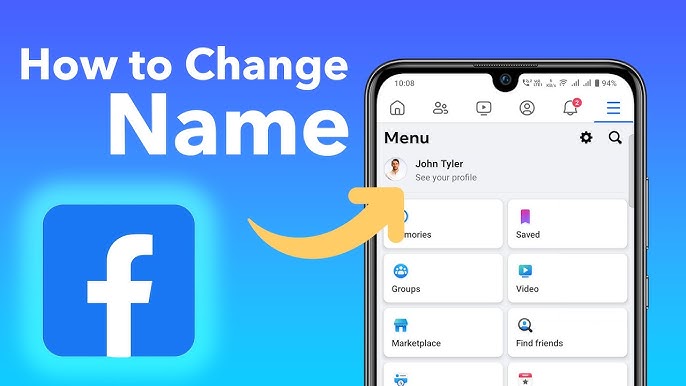
Your Facebook username is the unique link that makes it easy for people to find your profile. It appears in your Facebook URL — for example, facebook.com/yourname — and adds a personal or professional touch to your account. Changing it is simple and can be done on both desktop and mobile. Here’s a complete guide on how to change Facebook username correctly.
Understanding what a username is helps you avoid confusion. Your username differs from your display name — the latter is what people see on your posts, comments, and messages. Your username, however, is part of your profile’s web address. It must be unique and can only include letters, numbers, and periods, with no spaces or special characters. Keep in mind that Facebook limits how frequently you can change it, so pick carefully before saving.
Log In to Your Facebook Account
Begin by logging in to your account through either the Facebook app or a web browser. Make sure you access the correct profile, as only the account owner can edit username settings.
Change Username on Computer
If you’re using a computer, go to www.facebook.com and click your profile picture in the top-right corner.
- Select Settings & privacy, then click Settings.
- On the left-hand side, choose Accounts Center.
- Click Profiles, then select your profile.
- Under Username, type in your desired username.
Facebook will automatically verify availability. If the username is already taken, try a different variation. Once you find one that’s available, click Save Changes.
Change Username on Mobile App
If you’re using the Facebook app, follow these steps:
- Tap the menu icon (three horizontal lines) at the top or bottom right of the screen.
- Scroll down and tap Settings & privacy, then Settings.
- Select See more in Accounts Center, and go to Profiles.
- Choose your profile and tap Username.
- Enter your new username and confirm availability.
Once approved, tap Save to finalize the update.
Review Username Rules
Before you save, make sure your username meets Facebook’s requirements:
- Must be at least five characters long.
- Can only contain letters, numbers, and periods.
- Cannot impersonate another person or organization.
- Must not include offensive or inappropriate words.
If your chosen username doesn’t comply, Facebook won’t allow the change.
Confirm and Share Your New Link
After saving, Facebook might prompt you to re-enter your password for verification. Once confirmed, your profile URL will update automatically. For example, if your new username is johnsmith, your link becomes facebook.com/johnsmith.
To confirm the change, visit your profile and check the URL in your browser or app. You can now share your new Facebook link on business cards, websites, or other social platforms to make your profile more recognizable and accessible.
By following these steps, you can change Facebook username quickly and confidently — giving your profile a cleaner, more personalized online identity.








