Meta is making a strategic shift in how WhatsApp functions on Windows, with the tech giant reportedly retiring the native Windows app and placing its focus on an updated web-based version instead.
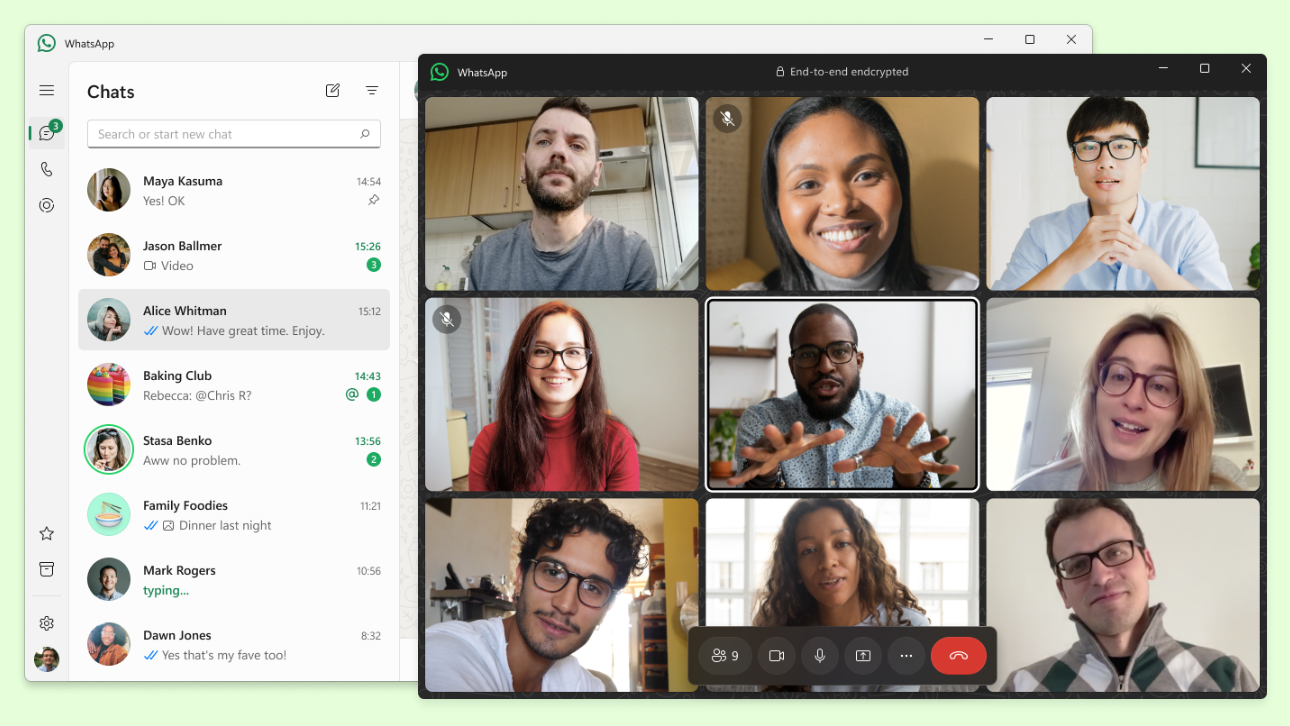
This change was quietly introduced in the latest release of WhatsApp Beta for Windows, which features a dramatically different interface from the current native version available via the Microsoft Store. The move marks a significant shift in Meta’s development approach for its widely used messaging platform.
Why the Shift to a Web-Based Experience?
While Meta hasn’t officially clarified the reasoning behind this transition, industry experts speculate that it’s likely about streamlining development. Maintaining a unified codebase that works across multiple platforms (like Windows, macOS, and browsers) can simplify feature rollouts and reduce maintenance overhead.
Developers benefit from faster updates and consistent feature implementation, but this may come at the expense of user performance, at least in the short term.
Performance Concerns: A Trade-Off for Users?
Initial user feedback has been mixed. Many Windows users have reported that the web version consumes significantly more system resources than the native app. During early testing, the new version was observed to use around 30% more RAM, raising concerns for those on lower-spec PCs or laptops.
In addition, Meta has confirmed performance drawbacks, noting that the new web-based WhatsApp runs slower than the native desktop app. Design-wise, it also lacks native Windows integration — specifically, it does not align with the Fluent Design System, making it appear less visually cohesive within the Windows ecosystem.
Notifications and Functionality: What’s Changing?
Another notable difference lies in how notifications are handled. The web app version manages alerts differently compared to the native experience, which could affect how quickly or consistently users receive message updates.
However, there’s an upside. The web wrapper includes additional features not currently available in the native desktop version and these may soon become standard on the Windows platform through this new release.
A Look Back and Ahead
The native WhatsApp desktop app was introduced in 2021 to provide users with a standalone experience, eliminating the need to rely on a web browser. Now, just a few years later, Meta’s pivot back to a web-based model raises important questions about performance, user experience, and future innovation.
Whether this move proves beneficial in the long run will largely depend on how well Meta addresses the current resource usage concerns and integrates the updated version into the broader Windows design ecosystem.