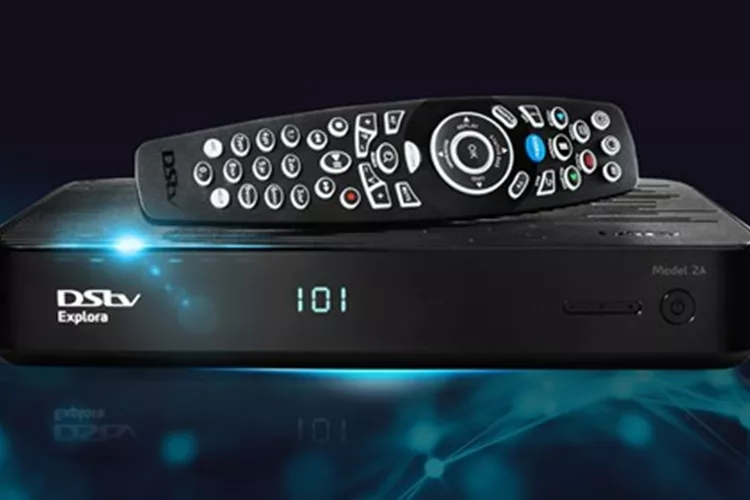
DStv Extra View allows you to link two or more decoders under one subscription so different TVs can show different channels at the same time. It’s ideal for families that want viewing freedom without paying multiple full subscriptions. Once you understand the system, connecting Extra View becomes simple.
Understand How DStv Extra View Works
Extra View links a primary decoder to one or more secondary decoders through either a Smart LNB or a heartbeat cable. The primary decoder manages your account and transmits viewing rights to the secondary unit.
You pay only one main subscription, plus a small monthly fee for each secondary decoder connected.
Check Decoder Compatibility
Before installation, confirm that both decoders support Extra View. Most modern DStv models—like Explora, HD, and Single View—work well.
Common pairings include:
- Explora as the primary and HD or Single View as the secondary.
- Two Explora decoders connected via a Smart LNB.
If uncertain, consult your decoder manual or contact DStv Customer Care for confirmation.
Gather the Required Equipment
You will need:
- Two decoders (primary and secondary)
- A Smart LNB or universal twin LNB
- RG6 coaxial cable
- F-type connectors
- A splitter or diplexer (only for older installations)
Using a Smart LNB simplifies setup because it automatically transmits both the satellite signal and the communication “heartbeat.”
Choose the Connection Method
Option 1: Using a Smart LNB (Recommended)
This is the preferred method for modern systems.
Connect both decoders directly to the Smart LNB using RG6 cables. The Smart LNB automatically sends the heartbeat signal. Ensure both decoders show a strong satellite signal before activation.
Option 2: Using a Heartbeat Cable (Older Setups)
If you’re using a universal or twin LNB, you’ll need a heartbeat cable.
Connect one end to the RF Out port on the primary decoder and the other to the RF In port on the secondary. This cable carries the heartbeat signal that keeps both devices linked.
Configure the Decoders
Once physical connections are done, configure both decoders:
- On the primary decoder, go to:
Menu → Settings → Satellite Settings → Home Network
Enable Send Heartbeat. - On the secondary decoder, go to the same menu and ensure it is set to Receive Heartbeat.
If you are using a Smart LNB, the system often auto-detects and configures these settings.
Activate the Extra View Service
After setup, activate Extra View with DStv through any of these methods:
- Dial
*120*68584#and follow the prompts. - Use the MyDStv app to link your decoders.
- Call or visit a DStv service centre.
You’ll need to provide both decoders’ smartcard numbers to finalize activation. Once processed, both decoders operate under one subscription.
Test the Connection
After activation, test that both decoders display channels correctly.
If the secondary decoder shows Error E143 – Communication Error, it’s not receiving the heartbeat. Check all cable connections or verify that the Smart LNB is functioning properly. Restart both decoders if needed and rerun the setup wizard.
Maintain a Stable Connection
Keep cables tightly fitted and avoid moving the satellite dish to prevent signal loss. Do not connect more decoders than your Smart LNB supports.
Regularly check your DStv account to confirm that both decoders remain linked and that your subscription is active.
READ MORE: GOtv Kenya Packages 2025: Prices, Channels & Payment Guide