Discover how integrated live documents and presentation decks inside conversational threads are eliminating tab-switching and transforming daily digital productivity for modern teams.
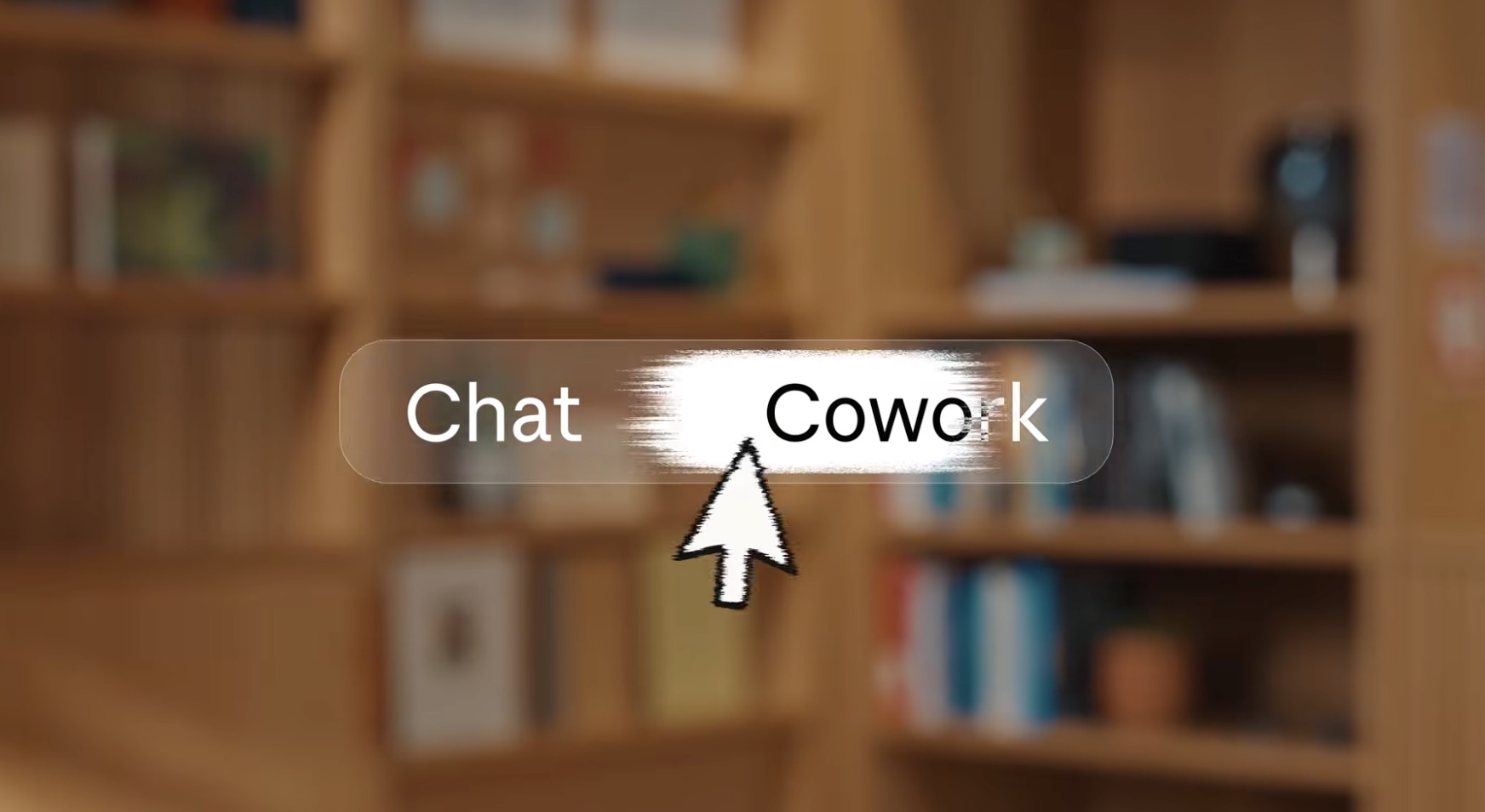
The modern digital workplace moves at a relentless pace, continually demanding smarter systems that adapt without forcing professionals to jump between isolated software applications. Claude AI has taken a dramatic leap forward by dismantling the artificial barriers that previously divided its specialized productivity hubs into separate locations. Rather than requiring professionals to decide beforehand whether a project demands a standalone drafting workspace, a dedicated visual studio, or a standard conversational window, the platform now brings every high-powered capability directly into one unified chat interface. Consequently, users no longer face pre-task paralysis when starting complex assignments.
This unified approach fundamentally redefines how teams interact with artificial intelligence during complex daily business workflows. Instead of toggling between specialized modes for raw text generation, visual layout design, or strategic planning, professionals can now execute multi-stage assignments inside a single continuous conversation. As a result, critical context flows effortlessly from initial brainstorming sessions all the way through to final polished deliverables. Furthermore, this seamless integration eliminates lost information, reduces tiring context switching, and completely removes the tedious copy-paste routines that previously slowed down project momentum across departments.
By integrating live document editing and dynamic presentation decks straight into every active conversation, this release resolves a major operational bottleneck for modern digital workers. Whether you need an in-depth weekly status report, an executive slide deck for management, or quick collaborative edits from teammates, everything generates instantly inside your discussion thread. Consequently, this bold evolution transforms conversational assistance into a comprehensive digital office environment. By streamlining daily productivity, the platform provides professionals with a far more cohesive, flexible, and powerful assistant capable of handling end-to-end task execution without delay.
Unifying Workflows Within the Claude AI Ecosystem
For a long time, users of digital assistants had to choose a specific mode before starting their work. Specialized workspaces handled long-form execution, visual tools managed graphic outputs, and regular chat streams took care of standard prompts. While this structure kept tasks organized, it created unnecessary barriers. Professionals frequently realized midway through a discussion that they needed a different tool, forcing them to transfer their work manually across interfaces.
Now, these artificial boundaries are completely gone. The platform merges these distinct environments into a single, cohesive interface. Users can access every creation tool directly within any standard conversation window. More importantly, you do not lose any existing data during this transition. Your saved projects, custom connectors, digital artifacts, and specialized skills remain fully intact and immediately accessible regardless of where you originally created them.
How Claude AI Powers Live Documents and Presentation Slides
The most prominent additions to this refreshed environment are built-in document and presentation creation tools, both introduced in public beta. Instead of opening external word processors or presentation software, users can instruct the assistant to construct full documents or slide decks directly inside the chat thread.
The document creation feature operates much like traditional cloud-based text editors. Every document begins as a private file, but you can quickly invite team members to collaborate in real time. Multiple collaborators, alongside the assistant itself, can make live edits simultaneously. Furthermore, built-in commenting allows team members to leave targeted feedback attached to specific sections of text, making editorial revisions fast and transparent.
Similarly, the presentation tool simplifies deck creation. When you request a presentation, the system drafts a complete set of slides instantly. You can refine the content directly within your web browser, deliver the presentation straight from the interface, or export the final product as a presentation file or document format. Both of these features sit alongside existing visual design capabilities, offering a complete creative suite inside one conversational window.
Practical Real-World Scenarios for Claude AI Users
To understand the practical impact of these updates, consider a typical busy workday scenario. Imagine a project manager who needs to prepare an urgent operational update before an upcoming executive meeting. Instead of manually collecting data from multiple spreadsheets and drafting slides from scratch, the manager simply prompts the assistant within a single chat window.
The assistant quickly analyzes recent pipeline activity, generates a structured text document following standard company formatting, flags potential delays, and converts key metrics into a polished presentation deck. If any detail remains ambiguous, the system asks clarifying questions to ensure accuracy. Meanwhile, team members can review the generated document on mobile devices, leave feedback, and tweak specific lines before the meeting even begins.
Because the presentation and the document originate from the exact same conversation, all facts, figures, and formatting remain perfectly aligned. Additionally, users can automate these recurring workflows, setting up scheduled routines that run periodically without manual intervention. To maintain user oversight, default safety settings require explicit approval before major actions occur, though users can adjust these settings for autonomous background execution.
Comparing the Claude AI Platform Against Competitive Workspace Tools
This strategic update directly addresses a major competitive gap in the productivity software landscape. While advanced conversational models have consistently offered superior reasoning capabilities, rival tech giants enjoyed a distinct advantage by embedding their assistants directly into widely used office software suites.
By embedding document editing and slide generation straight into its native chat experience, the platform effectively eliminates the need to rely on external software suites for routine office tasks. Professionals no longer need to switch tabs or export files repeatedly just to share simple updates. Rolling out initially to premium tier subscribers across web, desktop, and mobile platforms, this streamlined experience will soon expand to broader user tiers, setting a new benchmark for integrated workplace automation.