
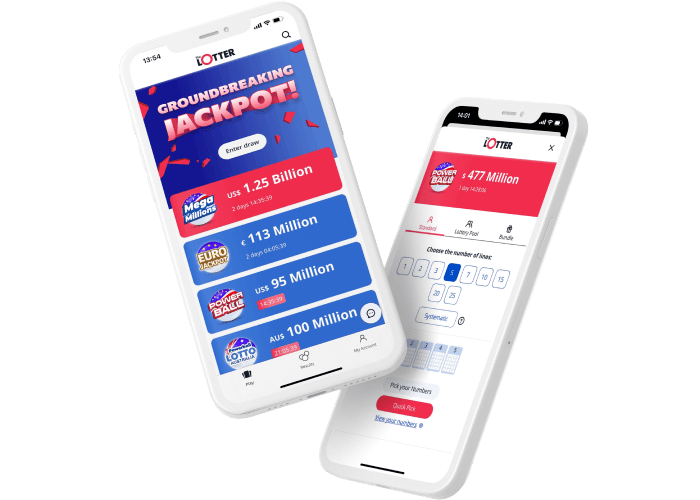
Downloading a lottery app on your phone offers an easy way to check results, purchase tickets where permitted, and track your favourite games without needing to visit a physical store. Many national and regional lotteries have now introduced mobile apps to streamline the entire process. Whether you’re using an Android phone or an iPhone, getting the right app is simple once you know where to find it and how to verify its authenticity. Proper setup ensures your account is secure and your tickets are always accessible when you need them.
Confirming the Official Lottery App
Before downloading any app, you must ensure that your country or region offers an official lottery app. Unofficial or fake apps are common, so it’s crucial to verify the app name on the official lottery website to avoid potential scams or security issues. The official site often provides direct links to the correct app store page, which will help prevent downloading the wrong version.
Opening Your App Store
Once you’re ready, open the app store on your device:
- Android users will need to go to the Google Play Store.
- iPhone users will use the Apple App Store.
Use the search bar in the store to type in the exact name of the official lottery app as listed on the official website. This step is essential to ensure you’re installing the correct version and avoiding any errors.
Identifying the Correct App
When the search results appear, make sure you look for the correct logo, publisher name, and description. The app should be published by the official lottery operator for your region. It’s a good idea to read through reviews and check the number of downloads to confirm the app’s legitimacy. This helps protect you from unofficial or potentially harmful apps.
Downloading and Installing the App
Once you’ve confirmed that the app is the official version, tap the “Install” button on Android or “Get” on iPhone. The download process will start immediately and should only take a few seconds, depending on your internet connection speed. Once the download is complete, the app will automatically install, and you’ll see the app icon on your home screen.
Opening the App for the First Time
After installation, tap the icon to launch the app. It may request various permissions, such as access to notifications or location data. Only allow permissions that are necessary for the app’s proper functioning. Most lottery apps will also ask you to verify your age, as the legal age for participation is typically 18 and above.
Creating or Logging Into Your Account
To access all the app features, you’ll likely need to create an account or log in. You may be asked to provide an email address, phone number, or other ID details. Make sure to create a strong password to keep your account and tickets secure. If you already have an account with the official lottery website, you can use the same login details.
Exploring App Features
Once logged in, you can begin exploring the app’s features. These may include:
- Viewing past results
- Purchasing tickets where legal
- Scanning physical tickets
- Tracking jackpot updates
- Setting up alerts for your favourite games
Take the time to familiarise yourself with the app’s layout so you can use it with confidence.
Updating the App Regularly
To keep the app functioning smoothly and securely, ensure that it remains up to date. Regular updates fix bugs, improve security, and may add new features. While many phones can automatically update apps, you can also check for updates manually in your app store settings to ensure you’re using the latest version.





