
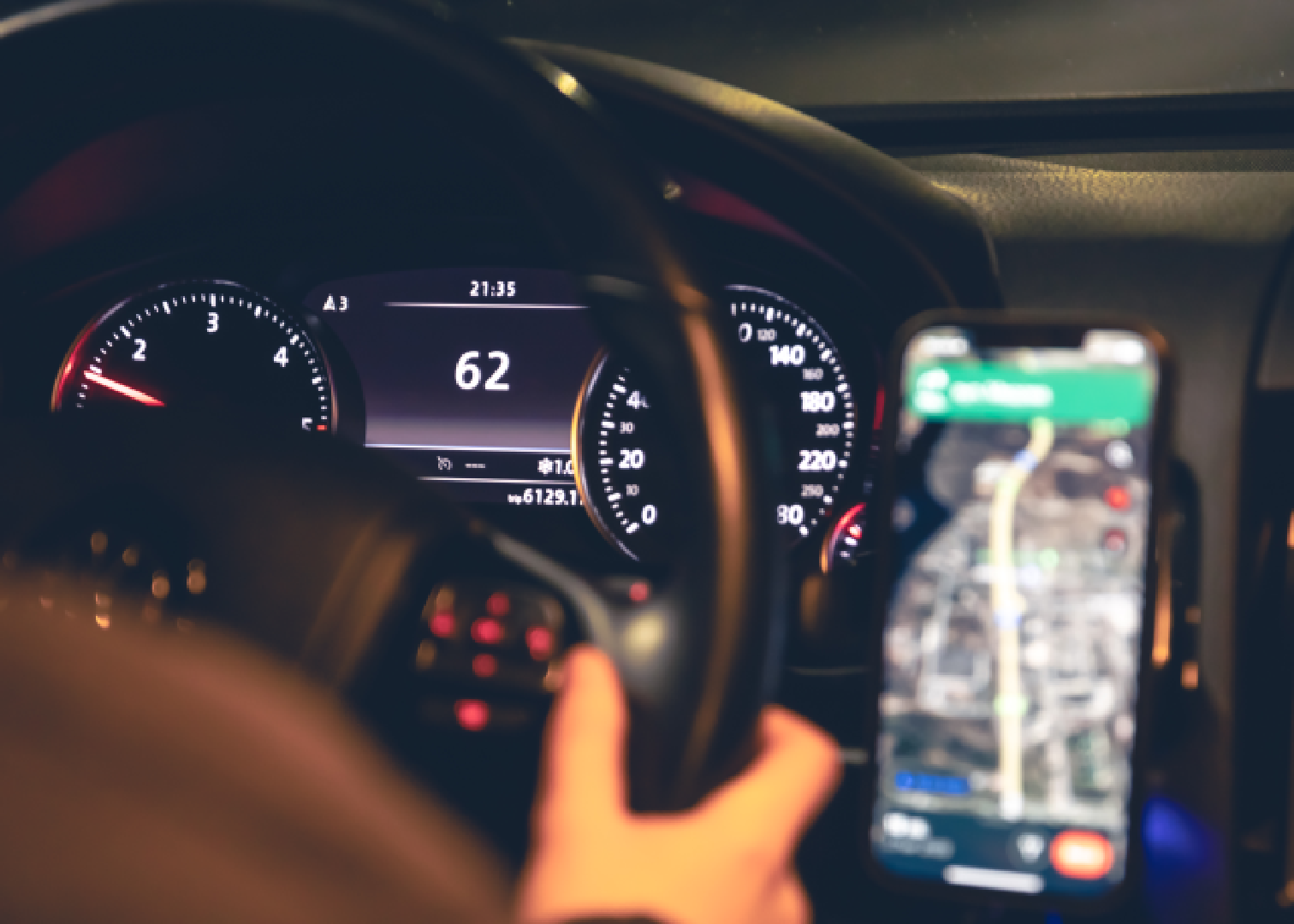
How to Avoid NTSA Speeding Fines Using Waze and Google Maps
NTSA speeding fines are becoming harder for motorists to ignore as Kenya moves toward a more digital traffic enforcement system. Under the revised framework for minor traffic offences, drivers can receive a Police Notification of Traffic Offence through SMS, email, physical service, a notice placed on the vehicle, or approved digital enforcement platforms.
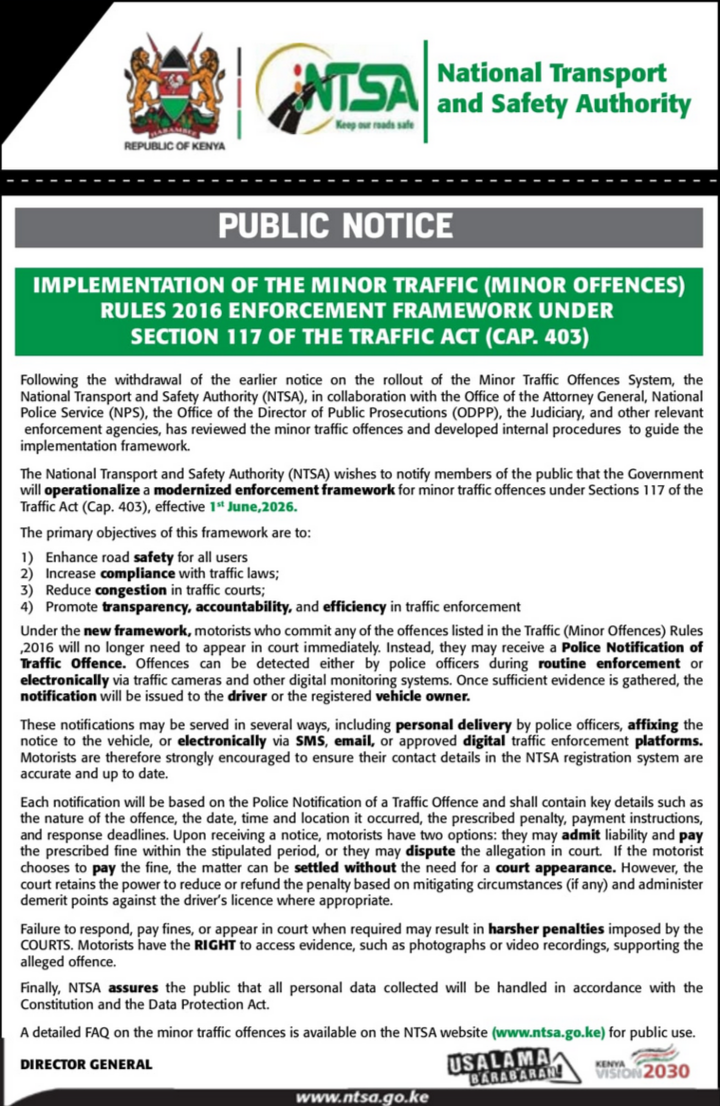
This means a motorist does not always have to be stopped at the roadside for a minor traffic offence to be processed. If an offence is detected by a police officer, traffic camera or other approved digital monitoring system, a notice may be issued to the driver or the registered vehicle owner.
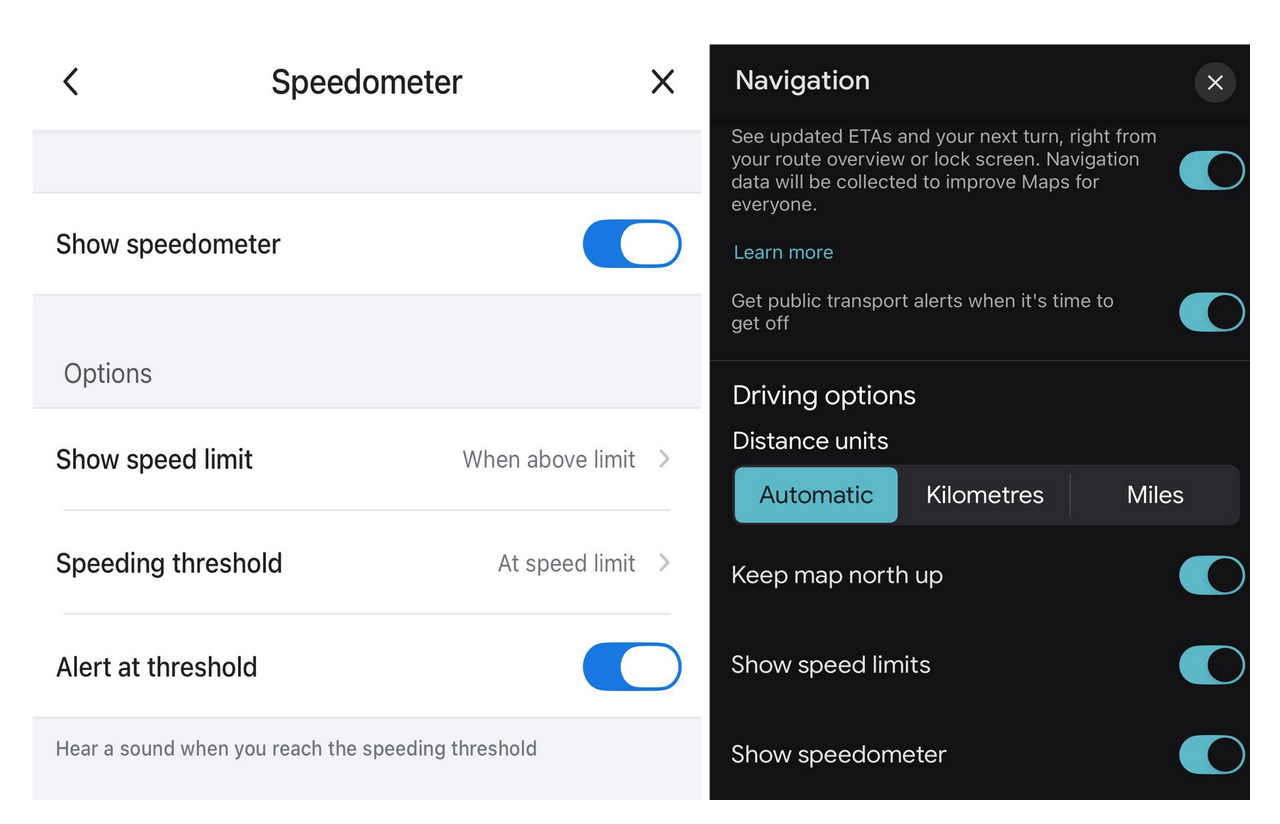
| Waze | Google Maps |
| 1. Download and open Waze 2. Tap Menu Icon 3. Go to Settings 4. Tap Speedometer 5. Enable Show on map and Show speed limit | 1. Update and open Google Maps 2. Tap your profile picture 3. Go to Settings 4. Tap Navigation settings > Driving options 5. Toggle on Speed limits and Speedometer |
The best way to avoid unnecessary speeding penalties is simple: know the speed limit, monitor your speed and respond quickly if you receive a notice.
What the NTSA Traffic Fine System Means
The National Transport and Safety Authority has said the revised minor traffic offences system is designed to allow motorists to settle certain offences without appearing in court immediately.
Once a notice is issued, the motorist has two main options. You can admit liability and pay the prescribed fine within the stated period, or you can dispute the allegation in court.
The notice should include key details such as the nature of the offence, the date, time and location, the prescribed penalty, payment instructions and the response deadline.
Ignoring the notice is risky. If you fail to respond, pay the applicable fine or appear in court when required, the matter can attract harsher penalties through the judicial process.
Why Speed Monitoring Matters
Speeding is one of the easiest traffic offences to commit without noticing, especially on highways, dual carriageways, urban roads and roads where speed limits change suddenly.
Many drivers only realise they were above the limit after seeing a camera zone, a police checkpoint or a speed gun operation. With digital enforcement, that habit can become expensive.
Using a navigation app can help you stay alert. Waze and Google Maps can show your live driving speed and, where available, the posted speed limit for the road you are using.
How to Enable Speed Limits on Waze
Waze is useful because it can display your speed, show the speed limit and warn you about some speed camera zones.
To enable speed alerts on Waze:
Open the Waze app.
Tap the menu icon.
Go to Settings.
Select Speedometer.
Enable Show on map.
Enable Show speed limit.
You can also adjust speed alerts so that Waze warns you when you exceed the limit. Keep your navigation audio on so that alerts can play through your phone speaker or car Bluetooth.
How to Enable Speed Limits on Google Maps
Google Maps also allows drivers to display a speedometer and speed limits where the feature is available.
To enable it:
Open Google Maps.
Tap your profile picture.
Go to Settings.
Select Navigation settings.
Scroll to Driving options.
Turn on Speed limits.
Turn on Speedometer.
Once enabled, Google Maps can show your current speed while driving. This can help you notice when you are moving above the legal limit.
Why You Should Keep Navigation Audio On
Many drivers mute navigation apps because they already know the route. That can be a mistake.
Speed warnings, camera alerts and route changes are most useful when you can hear them in real time. If your phone is connected to your vehicle through Bluetooth, allow navigation audio to play through the car speakers.
This is especially helpful when driving on unfamiliar roads, highways, bypasses, busy urban routes and roads with frequent speed limit changes.
Update Your NTSA and Vehicle Records
The revised traffic offence notification system depends heavily on accurate contact details.
If your phone number, email address or vehicle registration details are outdated, you may miss an important notice. Missing the notice does not necessarily remove the offence. It can instead expose you to missed deadlines and possible court action.
Motorists should ensure their vehicle ownership details and contact information are accurate in the relevant registration systems.
Pay or Dispute Quickly
If you receive a Police Notification of Traffic Offence, do not ignore it.
Read the notice carefully and confirm the offence, date, time, location, penalty and deadline. If you accept the offence, follow the official payment instructions provided in the notice.
If you believe the notice is wrong, you can dispute the allegation in court. NTSA has also indicated that motorists should have access to supporting evidence, including photographs or video footage, before deciding whether to settle or contest an offence.
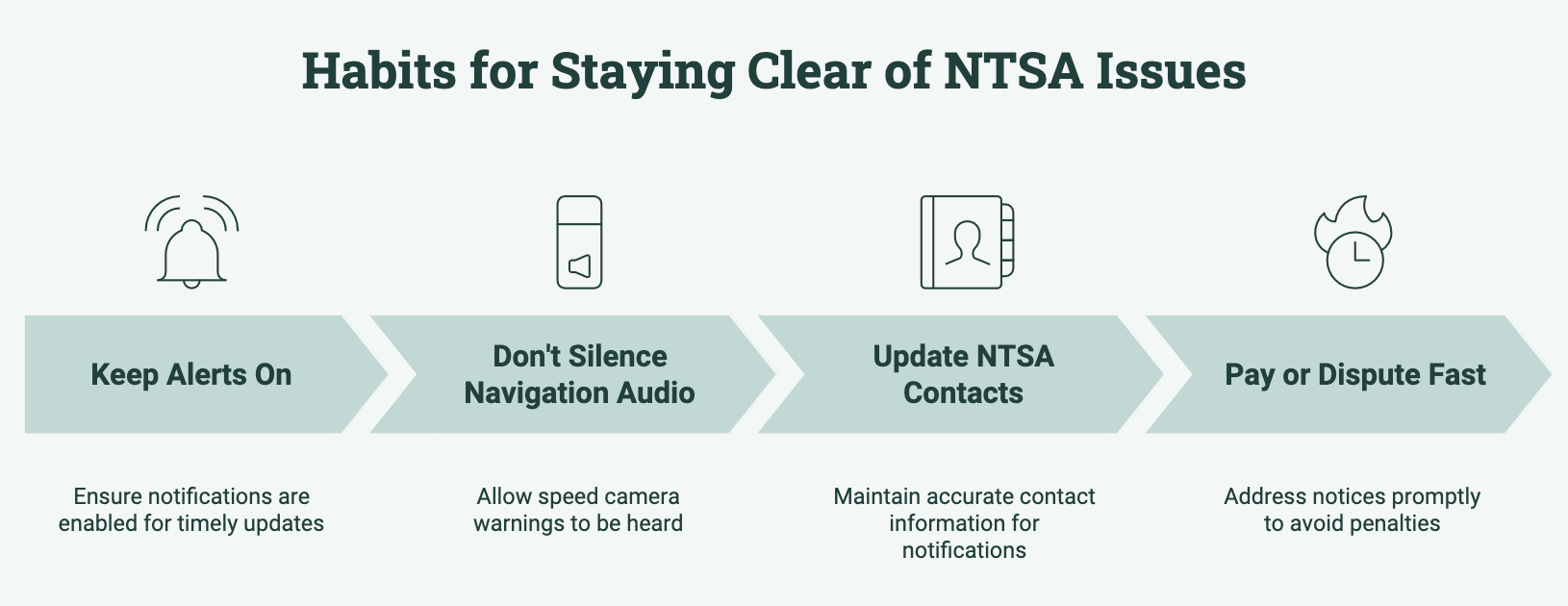
Simple Habits to Avoid NTSA Speeding Fines
Use Waze or Google Maps whenever driving on unfamiliar roads.
Keep your phone mounted safely where you can glance at navigation without distraction.
Do not drive while holding or operating your phone.
Keep navigation audio on.
Slow down before known black spots, towns, schools, junctions and camera zones.
Watch for road signs because app speed limits may not always be updated.
Avoid relying only on other drivers’ speed.
Check your mirrors and speedometer regularly.
Update your vehicle and contact details.
Respond quickly to any NTSA or police notification.
Important Reminder About Navigation Apps
Waze and Google Maps are helpful, but they are not a legal defence by themselves.
A speed limit shown in an app may be missing, delayed or outdated. Road signs, lawful traffic directions and official speed limits still come first.
Use the apps as support tools, not as a replacement for safe driving and road awareness.
Final Word
NTSA speeding fines are no longer something drivers should only worry about at roadside stops. With traffic cameras and digital notification systems becoming part of enforcement, motorists need to be more alert.
The safest approach is to drive within the posted speed limit, use Waze or Google Maps to monitor your speed, keep your contact details updated and respond quickly if you receive a traffic offence notice.
For Kenyan motorists, these small habits can help prevent fines, court stress and avoidable penalties.




